The BuildVyne Platform
One platform. Every conversation between the trailer and the tower.
From the moment a foreman opens an RFI to the final punchlist sign-off — BuildVyne keeps project information connected, documented, and moving. RFIs, daily logs, punchlist, and schedule impact tracking. Not estimating. Not BIM. Not a Procore replacement. The field communication and documentation layer that plugs into the tools your team already uses.
How BuildVyne connects your project
Field phone → Cloud → PM dashboard
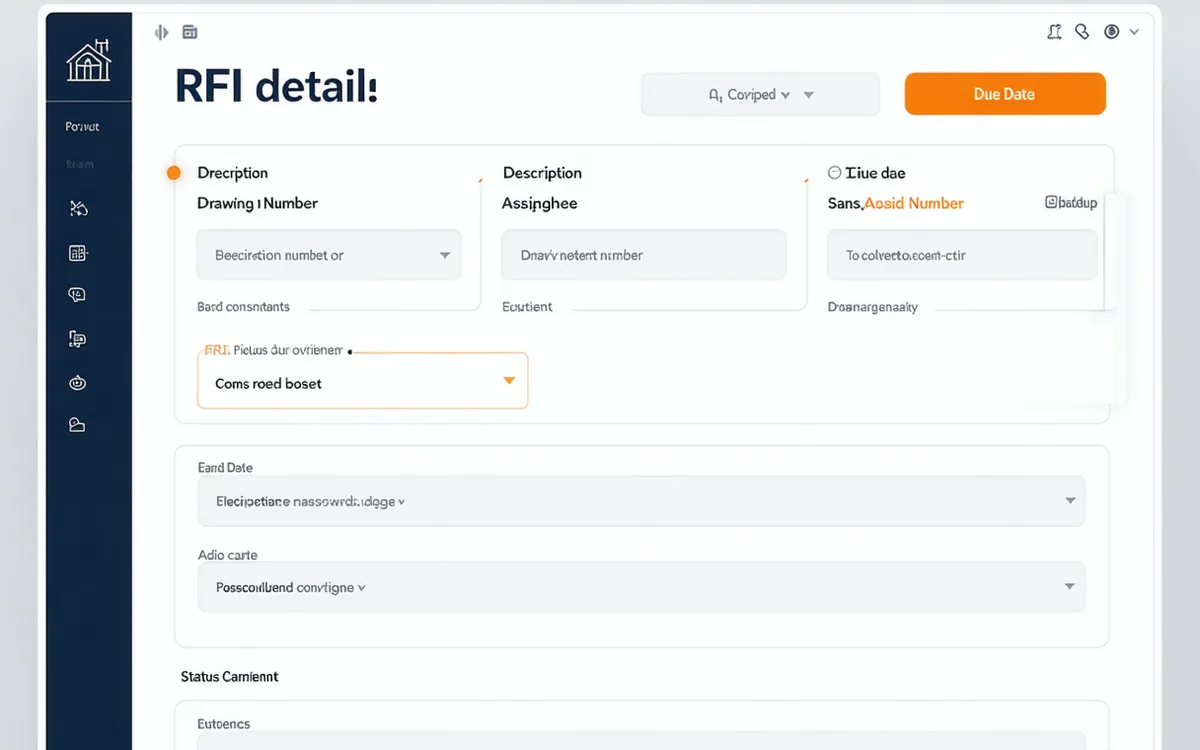
RFI Management
From field question to architect response in hours, not days.
Crew submits an RFI with photo and drawing reference from their phone. PM receives instant notification. Architect responds in-app. Resolution logged with full audit trail — all before the concrete truck arrives.
- Submit from iOS or Android in under 2 minutes
- Auto-notifications to all assigned parties
- Drawing attachment and markup in-app
- Full audit trail with timestamps
Daily Logs
The log your crew will actually fill out.
Three-minute capture. Automatic PM visibility. No spreadsheet archaeology on Friday afternoon.
DATE        2025-11-04  TUE
SUBMITTED   07:11 AM  by  D. Kim, Foreman
CREW COUNT  Framing: 9  |  Electrical: 4  |  Total: 13
WEATHER     74°F  Clear  Wind calm
DELAYS      Material hold — LVL beam delivery delayed to PM
ACTIVITIES
  → Framing Level 3 north wing — 60% complete
  → Electrical rough-in Level 2 complete, inspected
ATTACHMENTS 4 photos  (framing progress, inspector sign-off)
Captured in under 3 minutes. Visible to PM instantly.
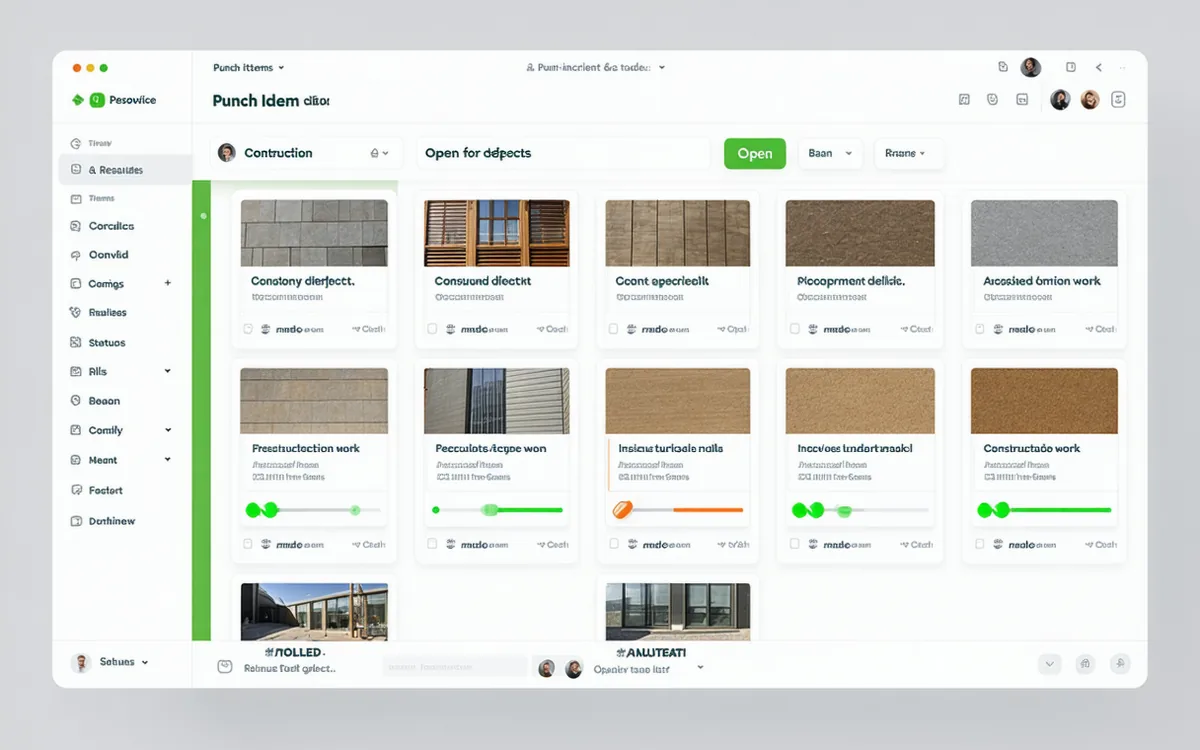
Punchlist
Photo-driven punch walks. Faster closeouts.
The phone in your crew's pocket is all they need for a punch walk. Photograph the item, tag the trade, assign the fix. Owner sign-off happens in-app — no printed lists, no missing photos.
- Create items from phone photos in seconds
- Auto-assign to trade with location tag
- In-app owner sign-off workflow
- Export-ready closeout report
Schedule Impact Tracker
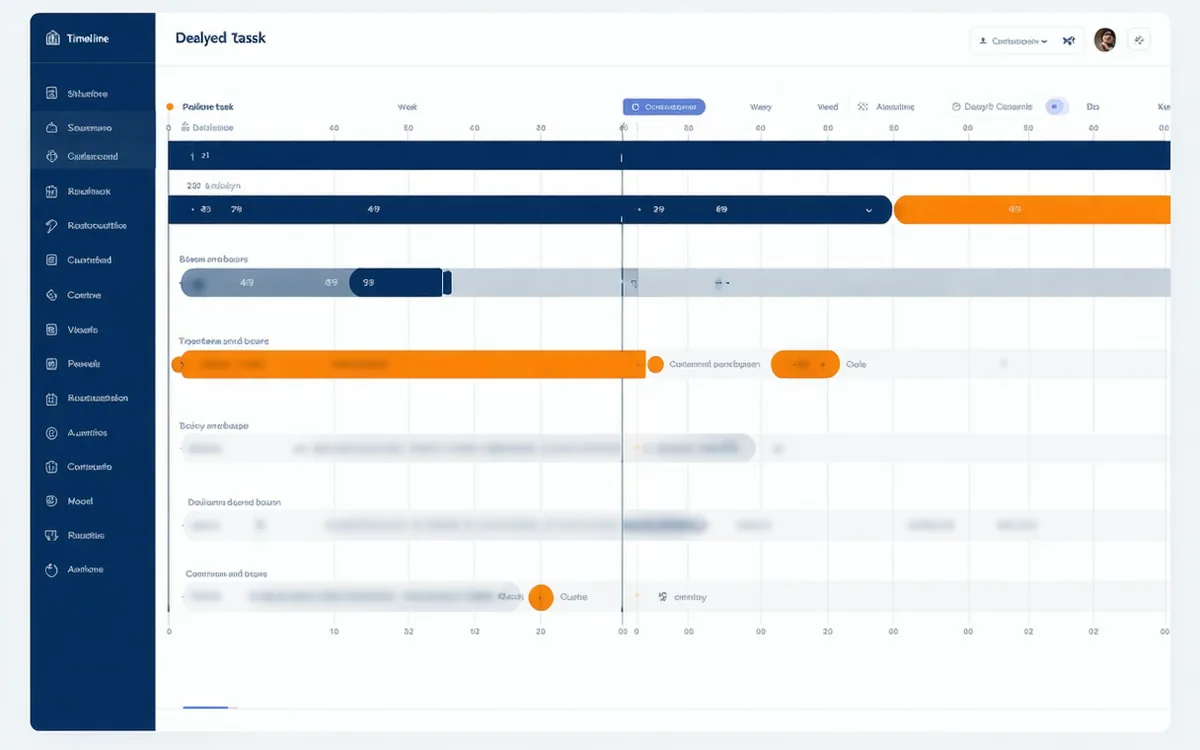
See the delay before it becomes a crisis.
Every open RFI, material hold, and crew shortage is automatically flagged for schedule impact. BuildVyne surfaces the tasks at risk — so you can act before a one-day slip becomes a three-week cascade.
- Automatic delay flag on open RFIs
- Task-level impact linking
- Daily log delay notes attached to schedule
- PDF schedule impact report for owner
Integrations
Works alongside the tools you already use.
BuildVyne is the field communication and documentation layer — not a replacement for your document management platform. Connect your existing stack without a rip-and-replace. BuildVyne does not do estimating, bidding, BIM coordination, or CPM scheduling — it handles what happens after the job starts.
See BuildVyne live on your next project.
Free trial. Your first project live in under 15 minutes.